Cash Accounts Closure
It is important for all organizations to be able to close their cash accounts periodically. This is done primarily to ensure that no new transactions are logged into closed periods, which could affect the previous balances.
Adding a New Closure
To add a new closure on a cash account:
- Go to Accounting > Cash Book.

- To add a closure to the cash general ledger account. Please enter the report date and select the cash general ledger account you want to add the closure to.
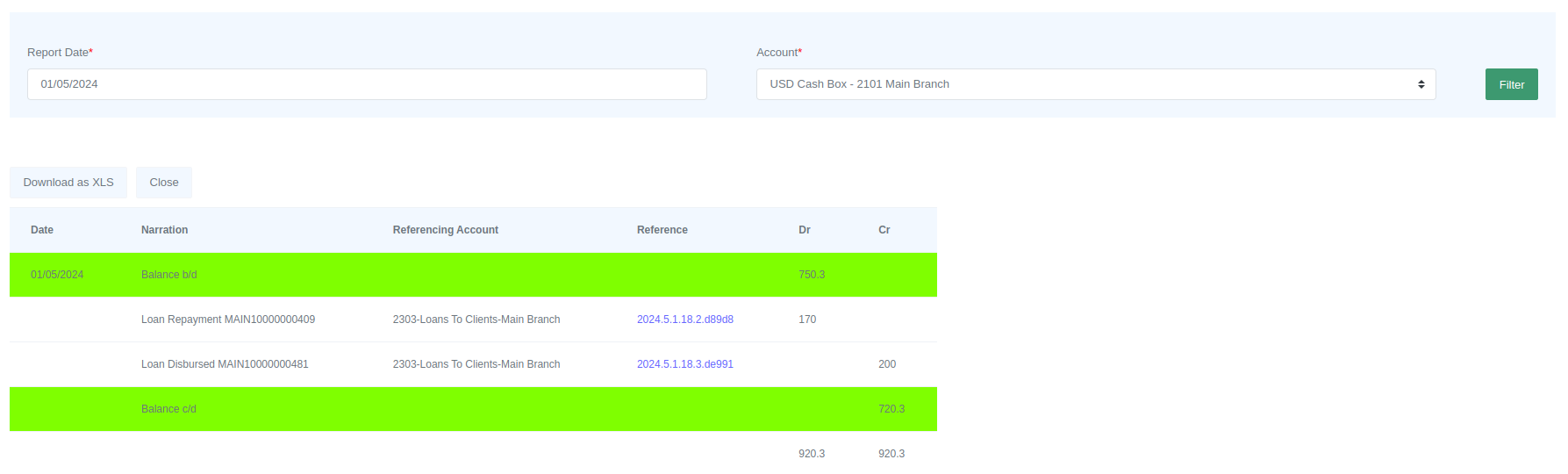
- If you are satisfied that the transactions and balances match, click on "Close" to close the account.
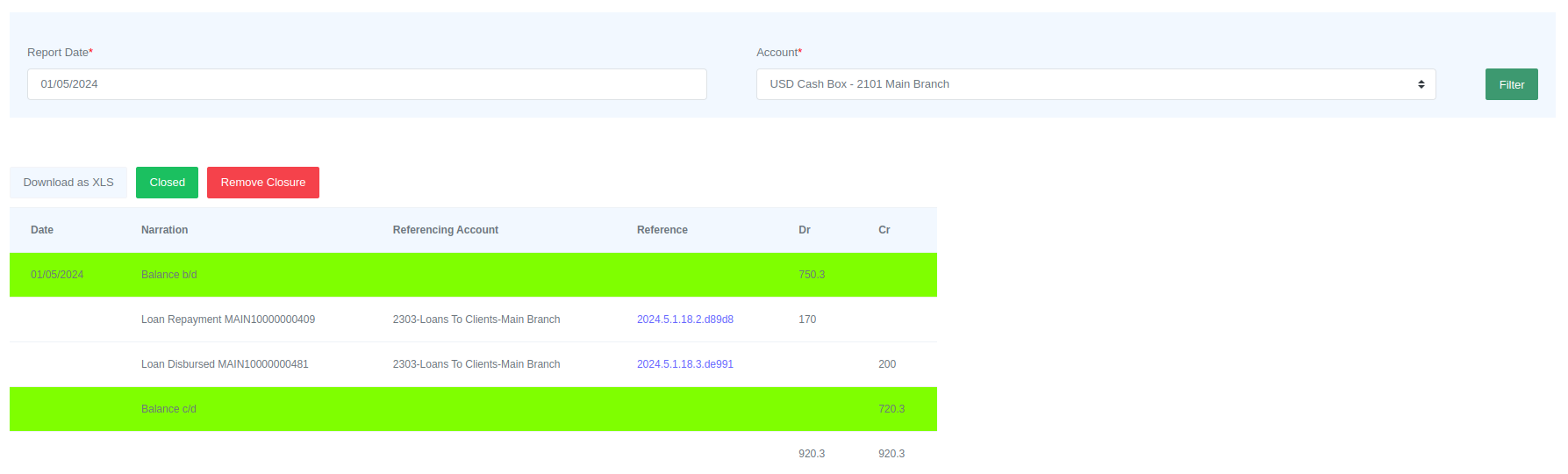
Transactions that occurred before the closure date of an account cannot be added after the account is closed. In this case, the closure date is May 1, 2024, so you cannot add transactions that occurred before that date.
Please Note
Only users with the required permissions can remove the closure to backdate accounts.