Loan Controls
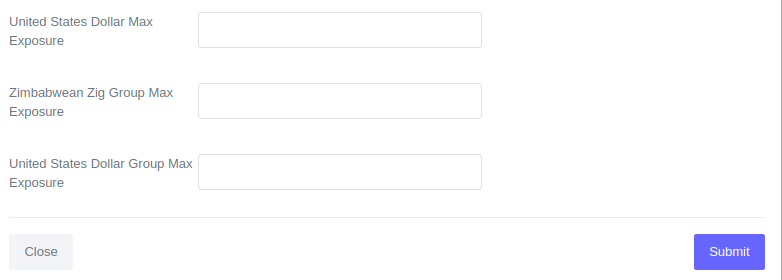
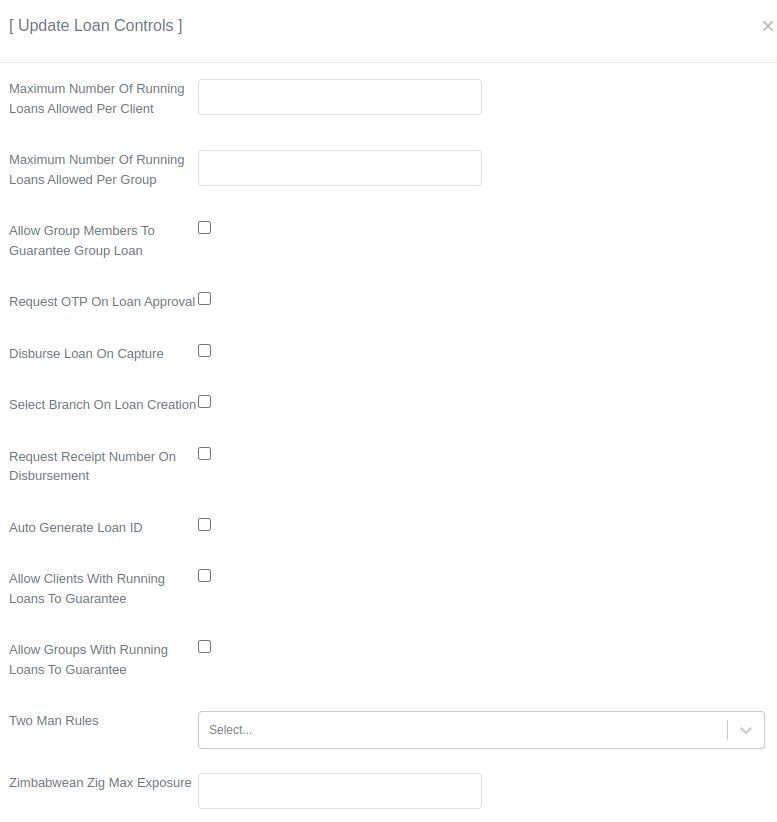
Loan controls help regulate the type of loan data that can be entered into the system. The following are the various options available.
How to Configure Controls
- Choose 'Admin' from the main navigation bar.

- Choose 'Manage Loans' from the Admin navigation bar.

- Choose 'Loan Controls'.

- Click on the 'Update Controls' button to access the controls form.

- After opening the controls form, locate the setting that requires modification and update its value accordingly.
- After updating, scroll down and click "Submit" to save.