Currencies
Lenda system supports multiple currencies. To add a new currency:
- Go to Admin > Currencies.
- Click on "Add Currency" button.

- A form will be opened for you to fill out.
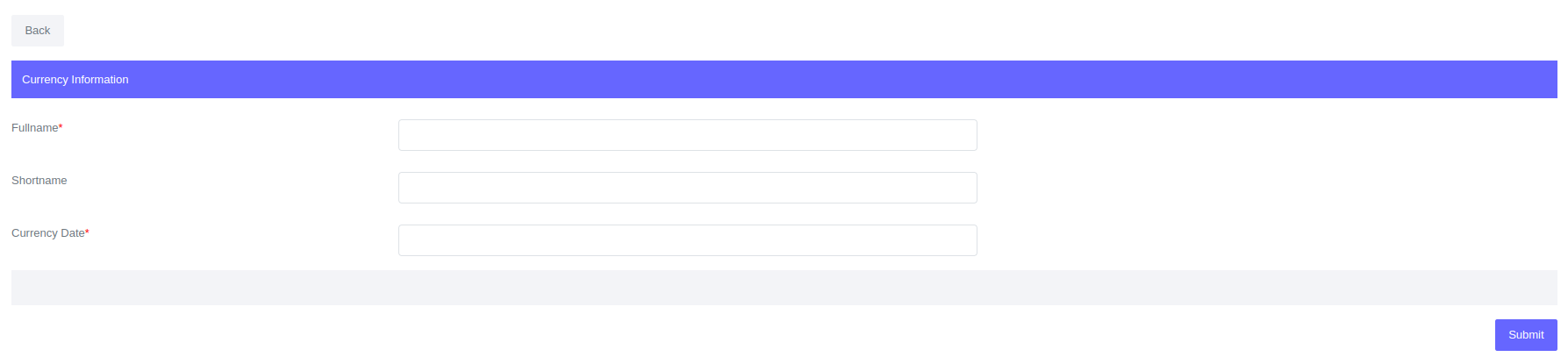
- Click Submit
Please Note
When a new currency is created, the system automatically creates general ledger accounts that correspond to that currency. For more information, see General Ledger Account Creation.
Fields for currency:
| Field | Description |
|---|---|
| Fullname | Currency fullname e.g United States Dollar |
| Shortname | Currency shortname e.g USD |
| Currency Date | Currency date is used on automatic general ledger creation. The date will be the general ledger creation date. This date can be backdated |