Group Roles
In the system, group members can be assigned roles, which are classified as group roles. The roles can be unique to a particular group. For example, a group with a group type named "Vendors" can have group roles such as "secretary," "treasurer," and "member."
Group roles can be assigned to members when a group is created or edited. Group roles can be used multiple times on different groups.
Creating group role names
To create a group role name
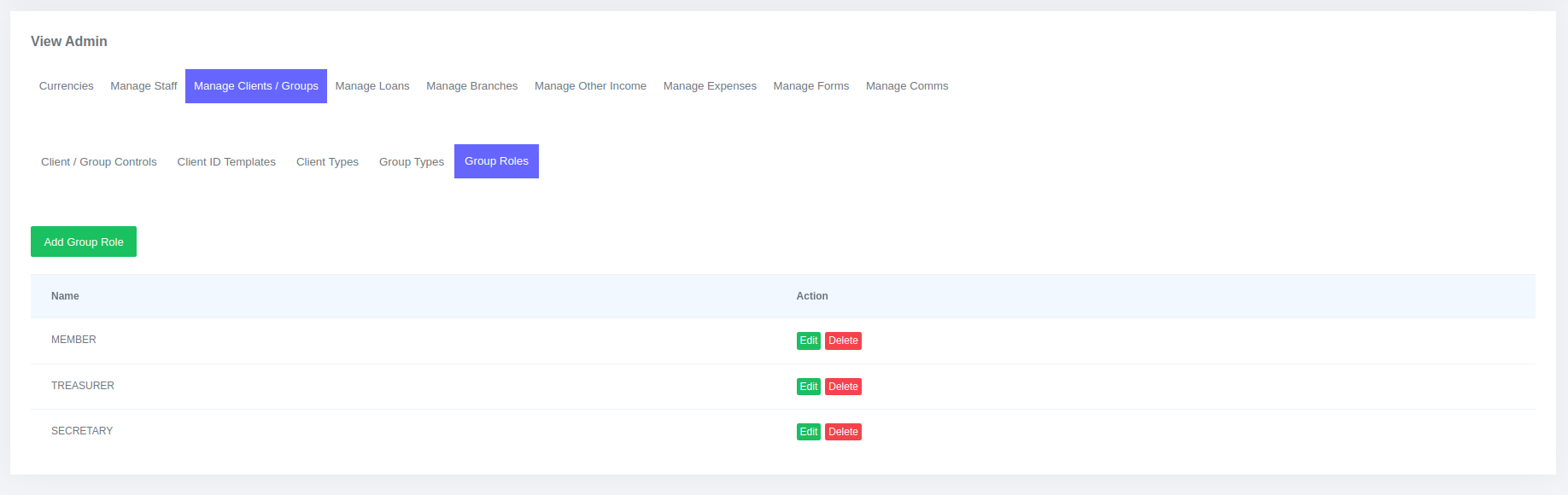
- On the main navigation, go to Admin > Manage Clients / Groups > Group Roles.
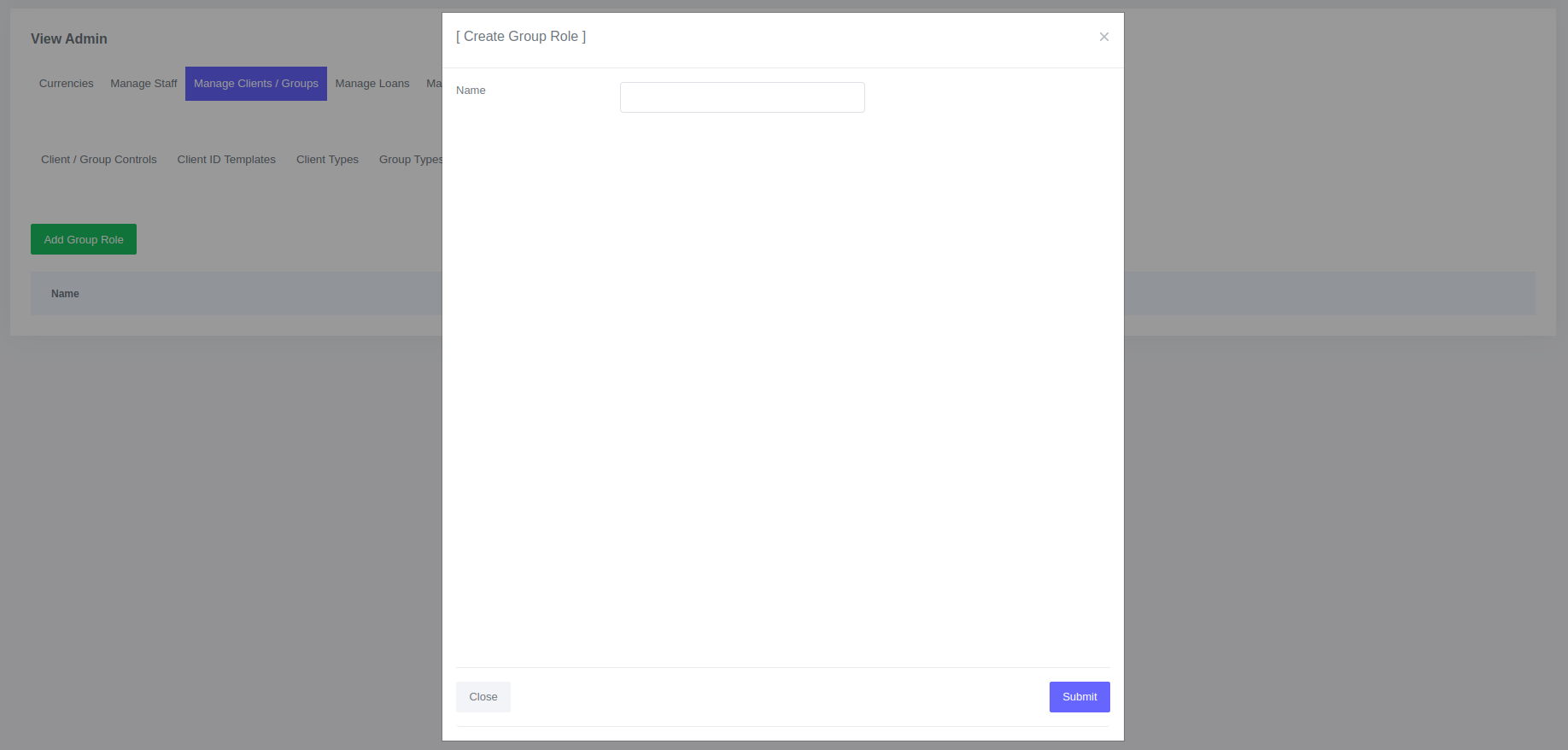
- Click Add Group Role.
- Enter Group Role Name and submit.
Editing group role names
- On the main navigation, go to Admin > Manage Clients / Groups > Group Roles.
- On the group roles table edit the role name you want and submit changes.
Please Note
You cannot edit the group role name to an existing group role name..
Deleting group role names
- On the main navigation, go to Admin > Manage Clients / Groups > Group Roles.
- On the group roles table find the group role name you want to delete and click the delete button. Click the delete button on the modal to delete.
Please Note
You cannot delele the group role name that is already in use..