Password Management
A user in the Lenda system is anyone who can access the system. Users have different roles and permissions, which determine the information they can access and the tasks they can complete.
To avoid others knowing another user's password, users manage their passwords in the system. When a user is created in the system, they will receive an email with a link to set up their password. To complete the registration, the user should check their email and click on the link to set their password.
Changing and Resetting your password
To change or reset a password in the system, the user should use the forgot password link on the log in page.
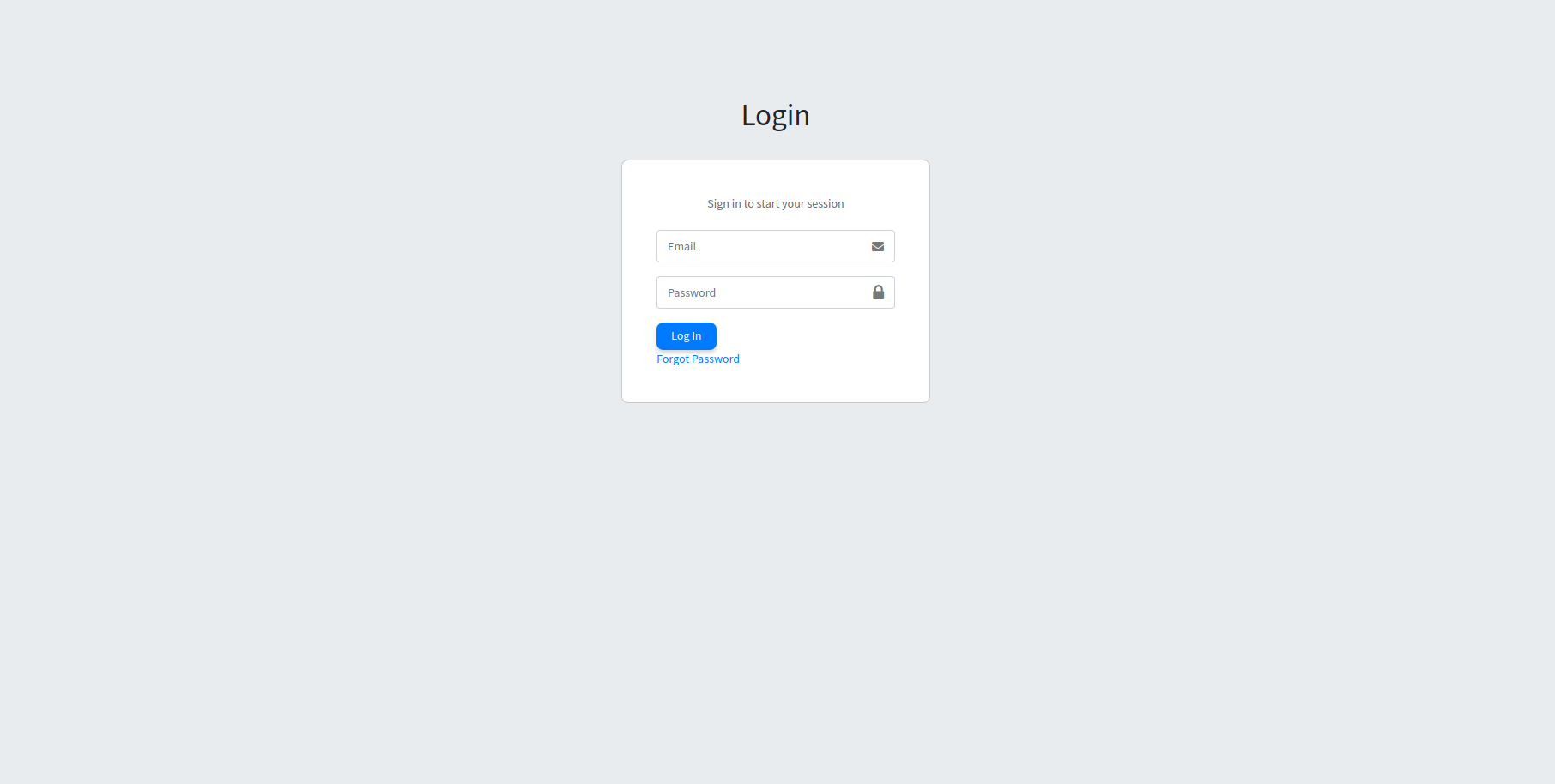
Click on the "Forgot Password" link. This will open the request password reset page.
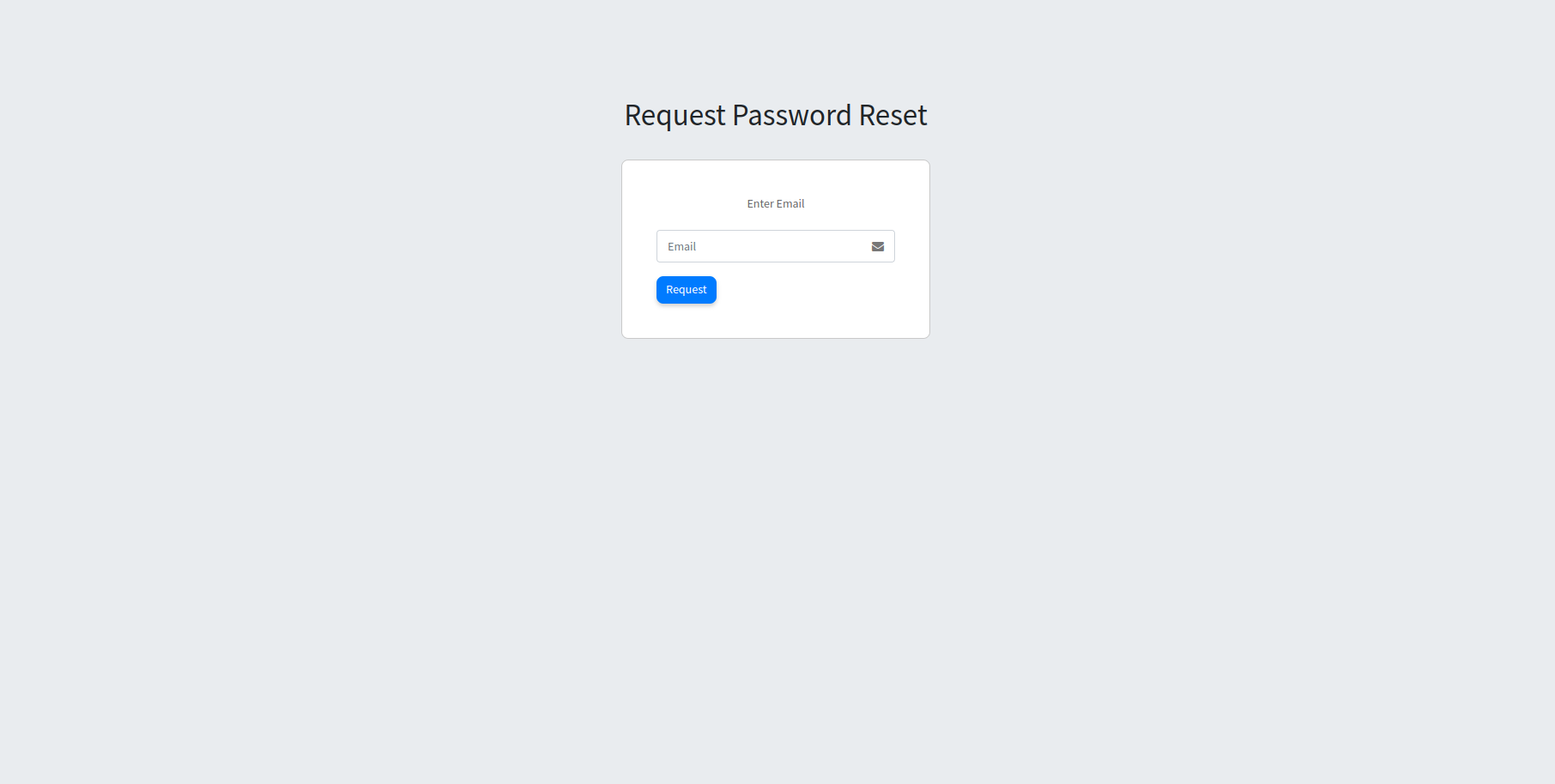
Enter the email address that is linked to the system account. Then click the "Request" button. The system will send an email prompting the user to reset their password.
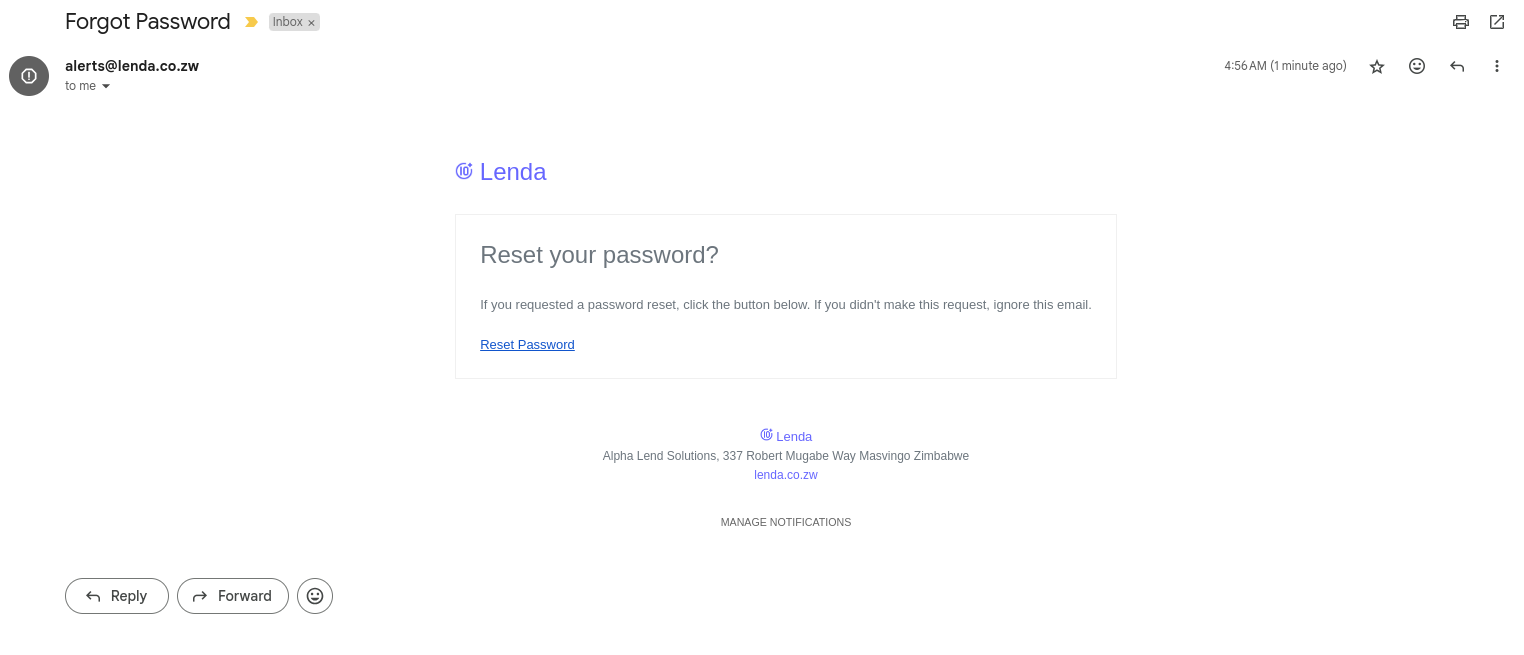
Click on the "Reset Password" link to set up a new password.
Password requirements
The following requirements are enforced for all passwords:
- A password can not be too similar to the users other personal information.
- A password must contain at least 8 characters.
- A password can not be a commonly used password.
- A password can not be entirely numeric.