Manage Communications
Communications in the Lenda system can be done using SMS. The Lenda system is already integrated with the Econet gateway. If your organization wishes to use our gateway, we can assist in activation.
If you need help setting up your gateway, please contact Lenda support.
SMS Gateway Setup
You may set up an SMS gateway to send manual or automatic SMS notifications to your clients or users. Lenda supports full integration with Infobip, Econet gateways.
Setting up SMS gateway in Lenda
To setup an SMS gateway:
- Go to Admin > Manage Comms > SMS.
- Click the "Update Gateway" button.
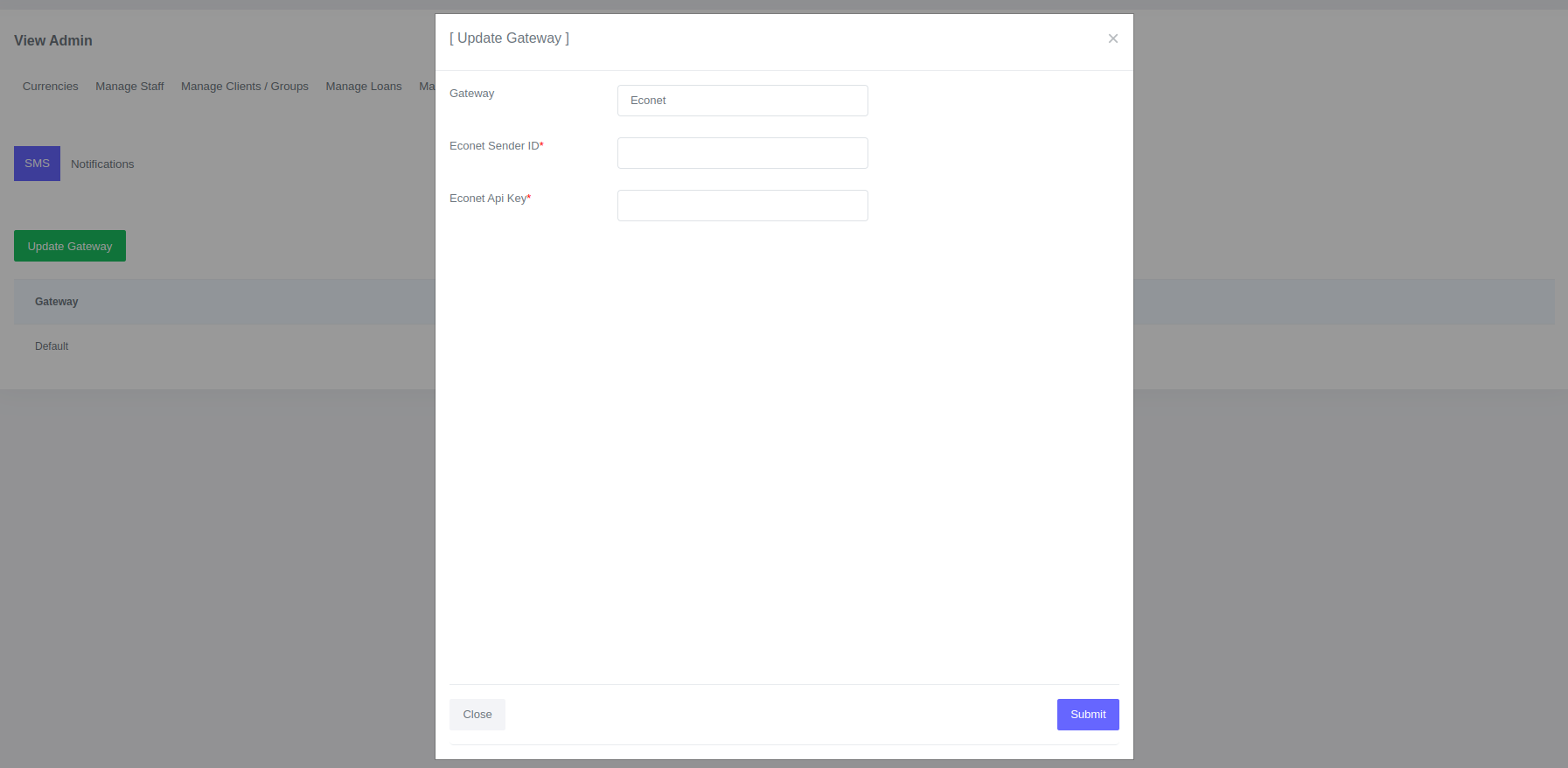
- Select the gateway, enter the senderid and api key.
- Click submit.
The sms gateway will be activated and you can start sending sms.
Setting up SMS Notifications
To send SMS text messages to users or clients automatically, you need to set up notifications.
To setup an SMS notifications:
- Go to Admin > Manage Comms > Notifications.
- Click the "Add Notification" button.
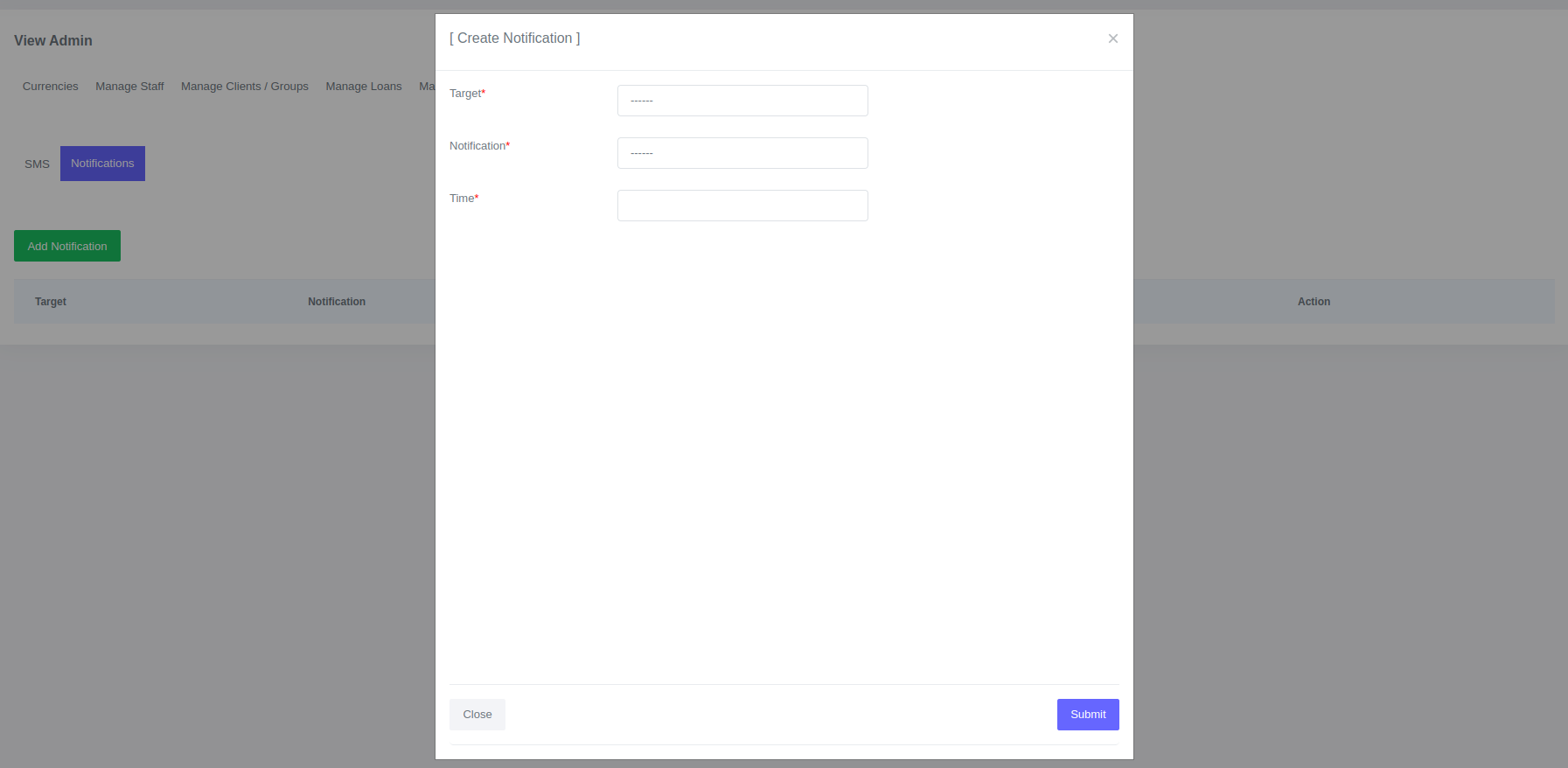
- A form will be opened for you to fill out.
- Click Submit
Once you create an sms notification, the system will send it out automatically.
Fields for sms notification:
| Field | Description |
|---|---|
| Target | Who will receive the sms. |
| Notification | Type of the notification. Is it loan default, payment reminder etc |
| Days From Installment | Days From Installment if notification type is payment reminder |
| Time | Time the same will be sent |
Sending SMS Notifications Manually
SMS notifications can only be sent to clients manually.
To sent sms notification manually:
- Go to Clients > SMS > SMS Form.
- A form will be opened.
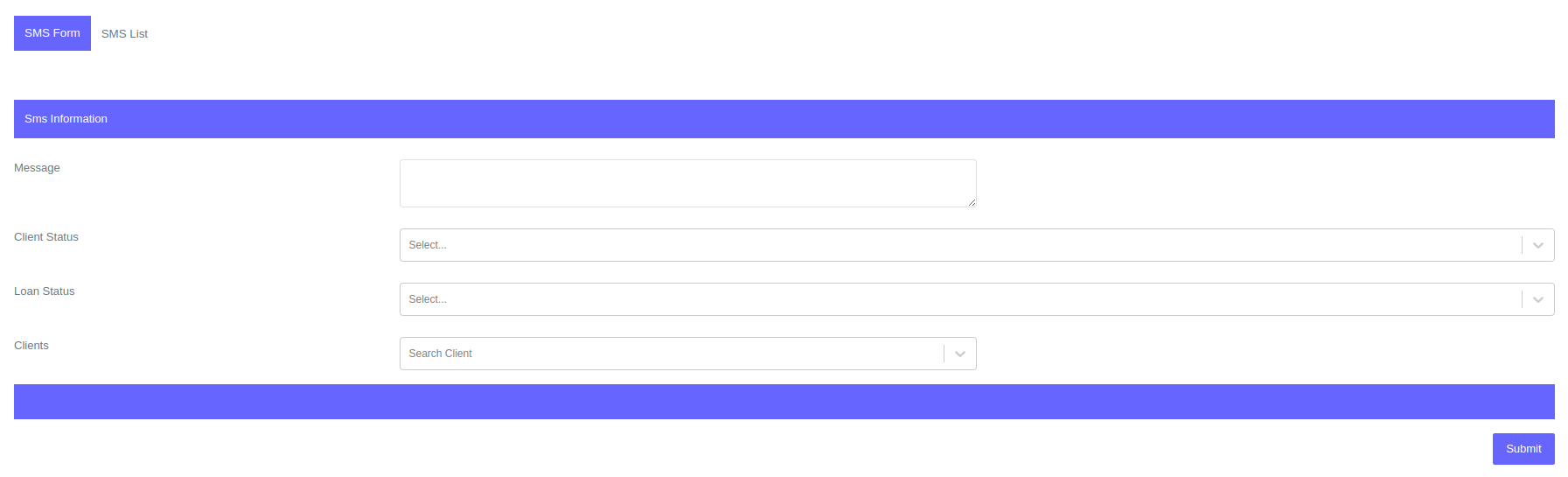
- Fill the details of the sms and click submit.
You can send text messages to clients based on their client status, the status of their loan, or to a specific client. Each text message can contain up to 160 characters, including spaces. If you want only inactive clients to receive the message, select "Inactive" under client status. If you want clients in arrears to receive the message, select "Arrears" under loan status. If you want to a specific client to receive the message search the client on clients field.
Fields for manual sms:
| Field | Description |
|---|---|
| Message | The message you want to broadcast. |
| Client Status | Status of the client you want to receive the message |
| Loan Status | Status of the client's loan you want to receive the message |
| Clients | Clients you want to receive the message |
View SMS Notifiations
You can view SMS notifications that were sent either manually or automatically. You can also check the status of each notification, the date it was sent, and the user who initiated the process.
To view sms notification:
- Go to Clients > SMS > SMS List.
- Filter based on the criteria of sms notifications you want to view